Guides / Muscle Heatmap Apps, and the Session They Cannot See
Muscle heatmap apps, and the session they cannot see
A muscle map is a good idea and there are now a dozen of them. This is not an article about any one being bad. It is about the two things the picture is drawn from - the past, and a count of sets - and what each of those costs you.
By Mike Zino, founder · Updated 2026-09-28
What these apps actually do
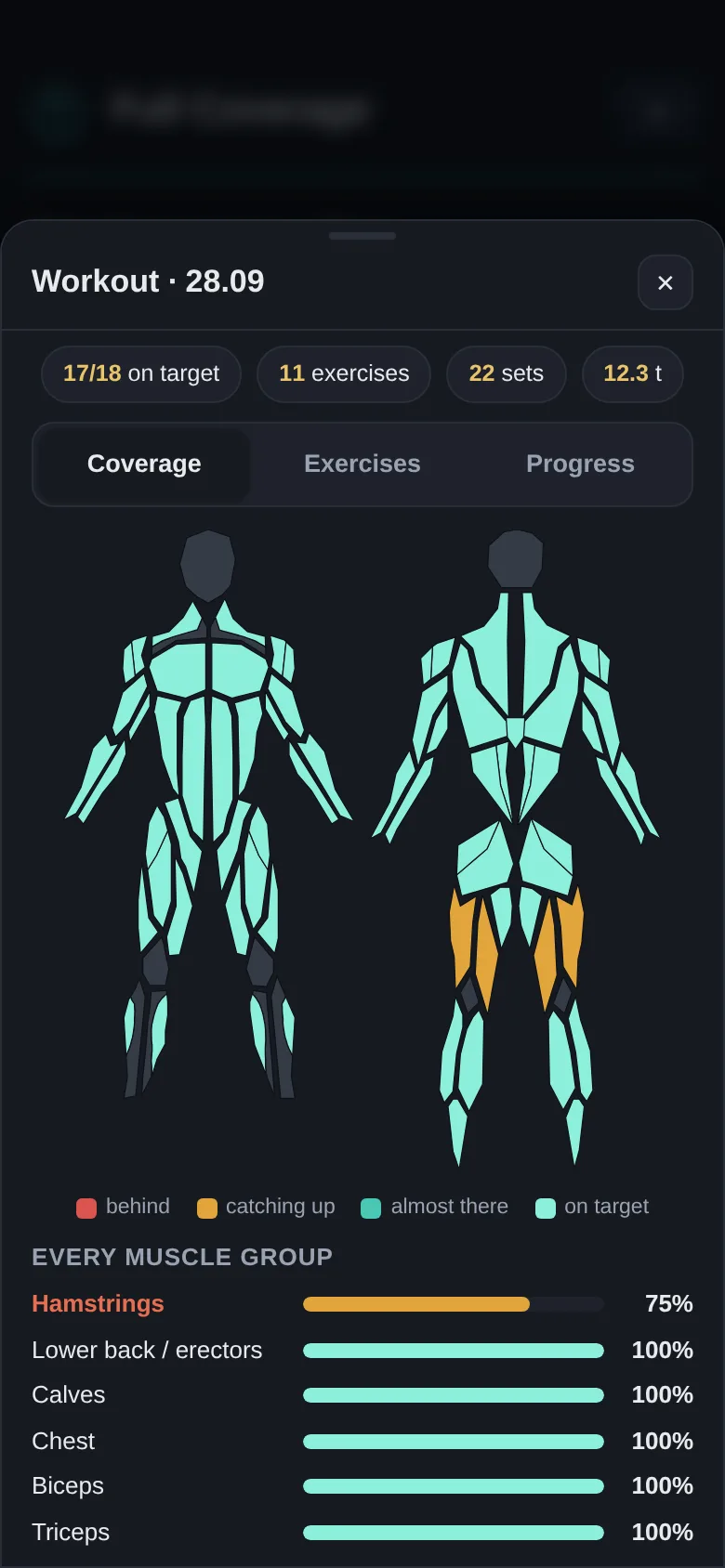
They share one shape. You log a workout, each exercise is filed under the muscle it mainly trains, and a body diagram is shaded by how many sets each group collected. It is an honest and genuinely useful idea, and until recently almost nobody did it.
Muscle Map runs in a browser, splits the body into 18 groups and colours them by sets per muscle group per week. It is free in the strongest sense - its own page says: “Muscle Map is completely free to use. No premium tier, no feature gates.”
iMuscleMap is the iOS version of the same idea at 14 groups, showing recovery status, intensity and training volume, at $1.99 a month or $24.99 once. MusclesWorked is a free analyzer over 14 groups that returns primary, secondary and stabiliser labels per exercise, with a paid API behind it for other apps to embed. ChunkItUp is pre-launch and browsable now, showing primary and secondary activation, unquantified. And Hevy, the logger, draws a 30-day heatmap of its own behind Hevy Pro.
Note the last column of that paragraph, because it is the whole article: not one of them publishes how much of a muscle a movement actually delivers. They publish which muscles, and how many sets landed there.
The picture is of last week
A heatmap is drawn from what you did. That is not a criticism of the drawing - it is the definition of it - but it means the gap it shows you is a gap you already have. The map is, structurally, one session late.
Which matters most in the situation that actually breaks a routine: the station you planned for is taken. Here is what that costs, measured by removing one station at a time from this app’s own composed session and re-running the coverage model on what is left.
| Station taken | Groups that fall below target | Which |
|---|---|---|
| Squat | 6 | quads, hamstrings, glutes, lower back, abs, obliques |
| Hinge | 4 | hamstrings, glutes, lower back, forearms |
| Vertical pull | 4 | lats, rear delts, biceps, forearms |
| Horizontal row | 4 | mid-back, rear delts, biceps, forearms |
| Horizontal press | 3 | chest, front delts, triceps |
| Calf raise | 1 | calves |
Six groups for one busy rack. A muscle map can tell you that next Sunday. It cannot tell you now, because the session it would need to read has not happened yet - and by the time the map is dark enough to notice, the week it describes is over.
Nor can it tell you what to do instead, which is the harder half. Ranking a substitute means knowing what the movement you are replacing was quietly carrying, and that is a number the map does not hold.
And the colour is a set count
The second limit is subtler and it shows up even when nothing goes wrong. Filing an exercise under one muscle is the only thing an app can do if it stores exercises as names, and it means every set of a squat is credited to your quads and to nothing else.
So take a session that is genuinely complete - the 11 to 13 movements this app composes by default, which put all 18 groups at or above target - and read it the way a heatmap would.
Eleven of the 18 groups get any colour at all. Seven come out blank: lower back, glutes, abs, rear delts, biceps, triceps and forearms. Every one of those seven is at or above 100%.
The map says a complete workout skipped seven muscle groups. It is not lying; it is reporting the only quantity it has. Those seven were trained by the compound movements above them - the deadlift’s share of your glutes and lower back, the row’s share of your biceps - and single attribution has nowhere to put that.
Now put the two halves together. Three of the six groups the squat was carrying - glutes, lower back and abs - are groups the heatmap never colours in the first place. So the station whose loss costs you the most is the station whose contribution the map is least able to see.
This is not a hard problem to check on your own routine. The coverage checker is free, needs no account and runs entirely in your browser: tick the movements you train and it returns the share each of the 18 groups receives, not a count of sets.
Comparing them on what differs
Prices as published, each read from that vendor’s own listing on its own date. Two of them have no price to quote, which is recorded rather than guessed.
| Muscle Map | iMuscleMap | MusclesWorked | Full Coverage | |
|---|---|---|---|---|
| Paid monthly | free | $1.99 | free | $4.99 |
| One-time | – | $24.99 | – | $79 |
| Muscle groups | 18 | 14 | 14 | 18 |
| What each group shows | sets per muscle group per week | recovery status, intensity and training volume | primary, secondary and stabiliser labels per exercise | share of a session’s target |
| Per-movement activation published | no | no | no | every movement |
| Reads a session before you do it | no | no | no | free |
| Prices a swap when a station is taken | no | no | no | free |
The first three rows are where these apps compete with each other. The last three are where they all answer the same way.
Checked against each vendor’s own listing, on its own date: Muscle Map 2026-09-28, iMuscleMap 2026-09-28, MusclesWorked 2026-09-28, ChunkItUp 2026-09-28.
Which one you should actually use
We built one of these, so weigh this section accordingly.
A free muscle map is a good answer if what you want is a picture of your week and a nudge when something has gone untouched for a fortnight. Muscle Map in particular costs nothing, gates nothing, and splits the body as finely as we do. If you already follow a programme somebody else wrote and you just want to see it drawn, that is the whole job and it does it.
Look at this instead if you choose your own exercises, train around a crowded gym, or have ever wanted to know what a session was going to miss before you were standing in the changing room. Everything you can read stays free: every activation figure, the coverage map, the catalog of 220+ movements, and a session you build and reorder yourself. What is paid is the automation - the solver that composes the shortest session hitting every target, and the ranked repair when a swap leaves something short. Every new account starts with 14 days of it, no card.
What we are not: a recovery model. Several of the apps above shade by how fatigued a muscle is, which is a different question from how much of it you trained, and this app does not answer it. We are also not a social feed or a programme library.
The one-line version: a heatmap tells you where you have been. It is the right picture drawn from the wrong quantity, one session too late.
Related guides
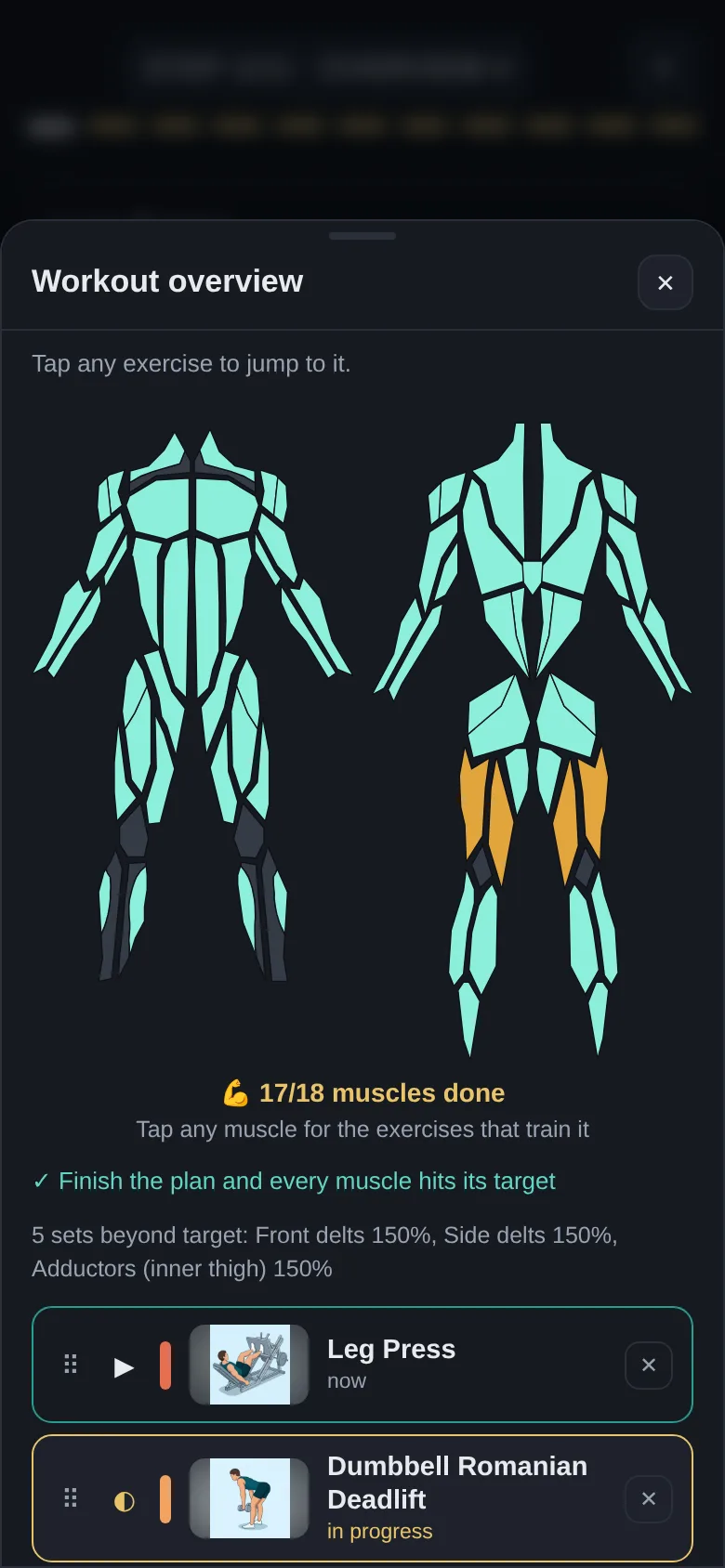
Hevy Alternatives: What a Workout Log Cannot Tell You
Hevy, Strong and JEFIT record what you lifted. Measured against 18 muscle groups, a log’s own chart calls ten of them empty when only two really are.
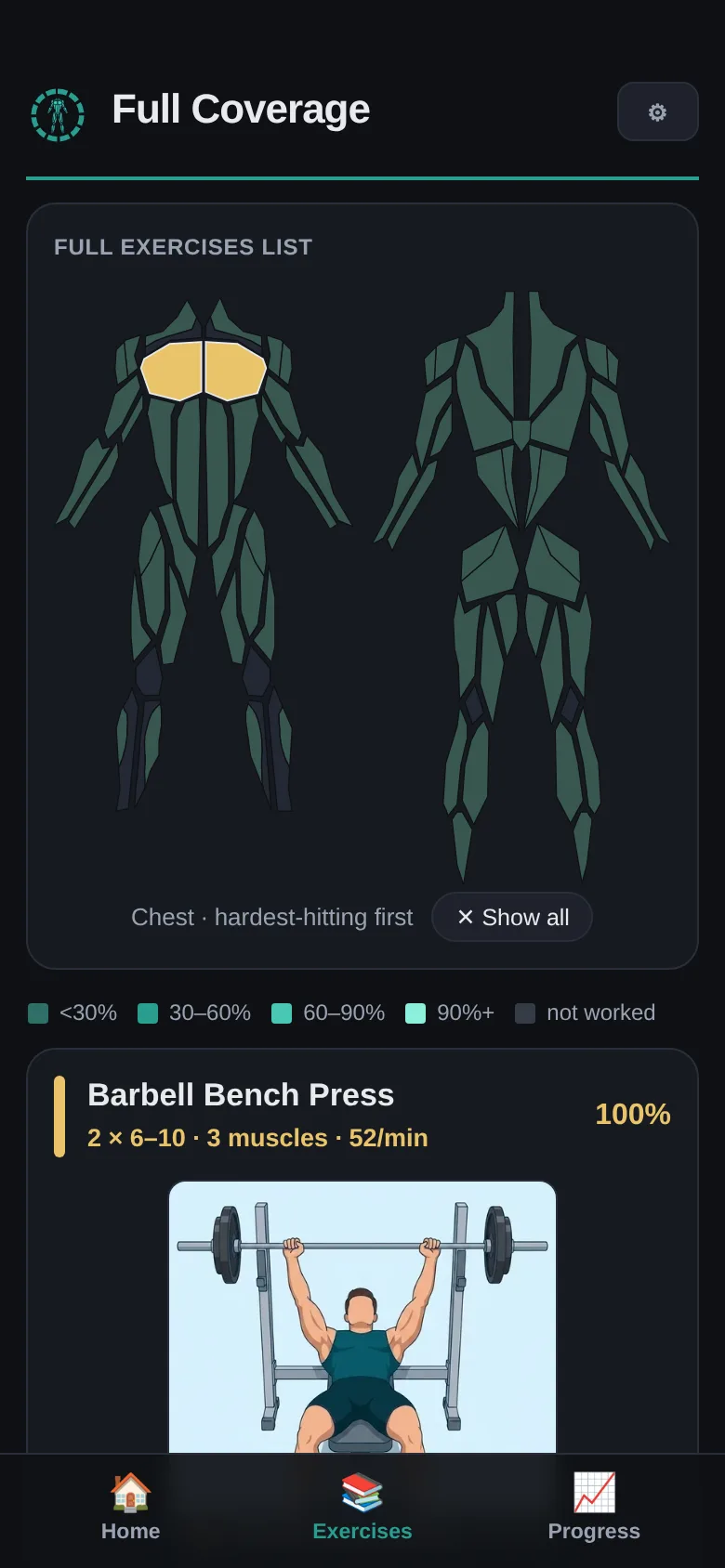
What Muscles Does Each Exercise Work? (With Percentages)
Most answers give you a list of muscle names. This one gives you the share of a session each movement actually delivers, for all 18 groups.
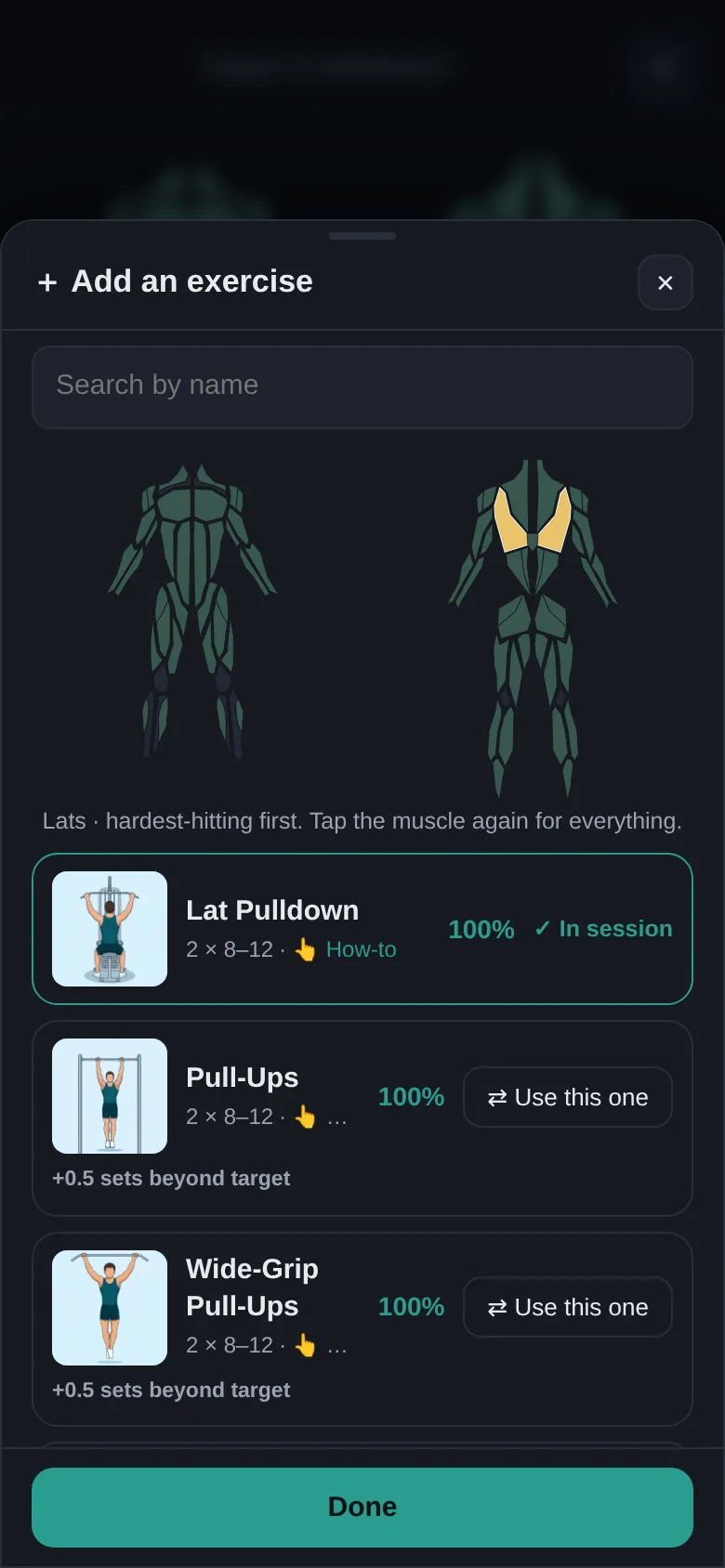
Which Muscles Is Your Workout Missing?
Most routines miss the same handful of muscle groups. Here they are, measured - with what a classic five-lift routine actually delivers to each one.